The whole screen
is the button
No accounts, no clutter, no tiny plus buttons. Each team owns a vibrant panel of the screen — swipe up to score, swipe down to take it back — with a haptic thump, a floating +1, a panel flash and a glowing number bounce on every point.
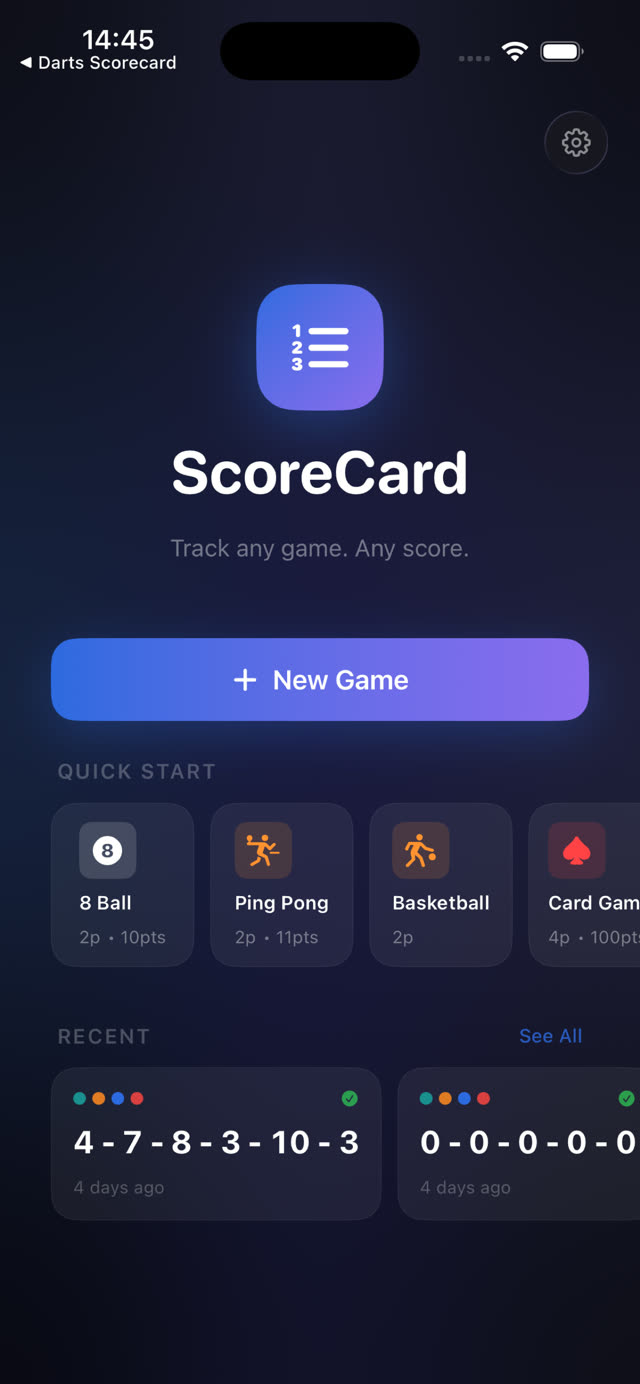
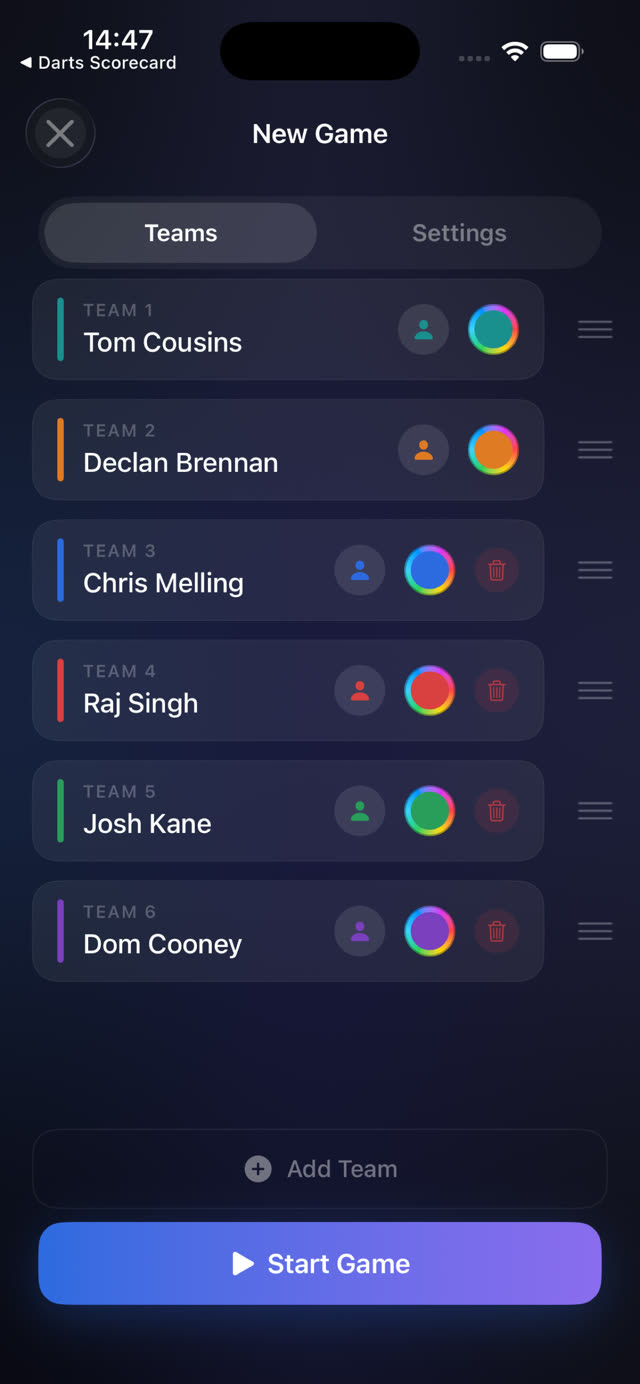
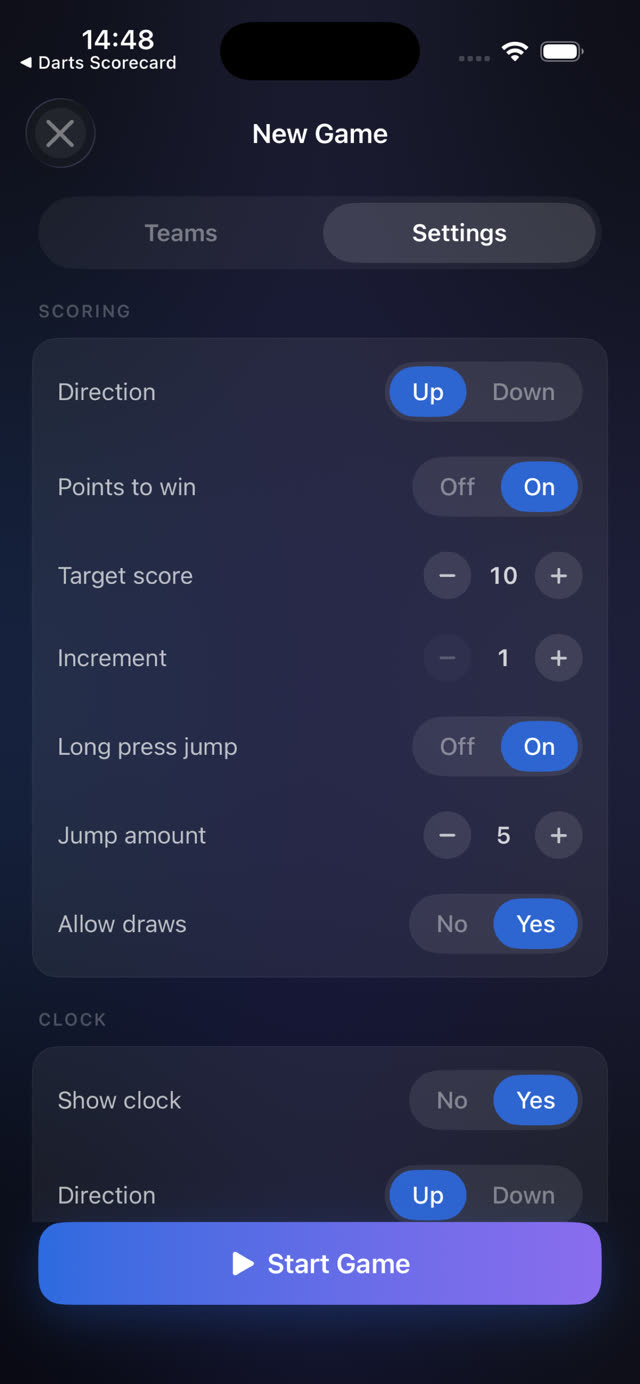
- Fast setup. Tap New Game or a Quick Start template and you are scoring in seconds. 2–10 teams, each with its own name, icon and colour.
- Mistake-proof. A 50-step undo stack, shake-to-undo, and a score lock so a pocketed phone can't score a point.
- Big-number legible. Scores are readable from across the room — this is the scoreboard you prop against the wall.
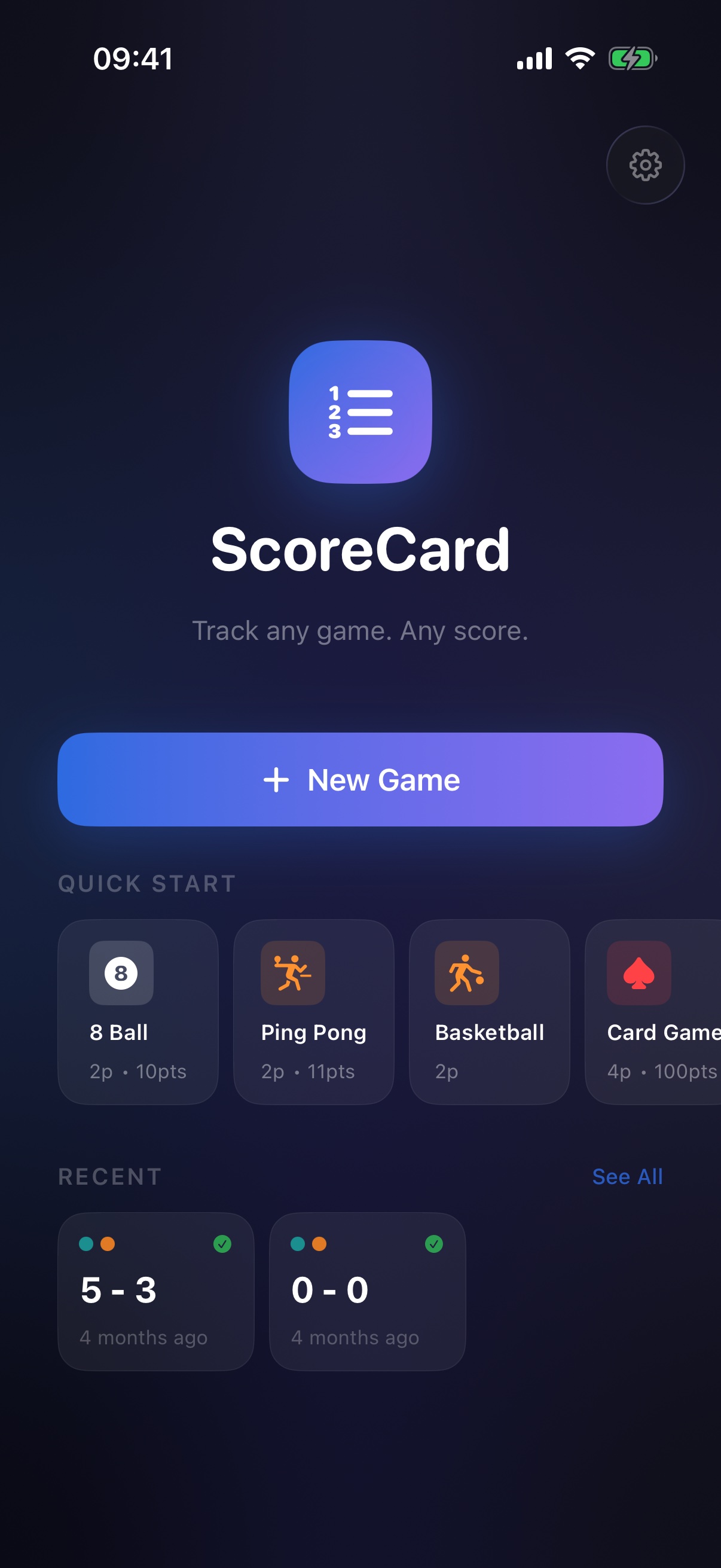
Set up · Swipe · Celebrate
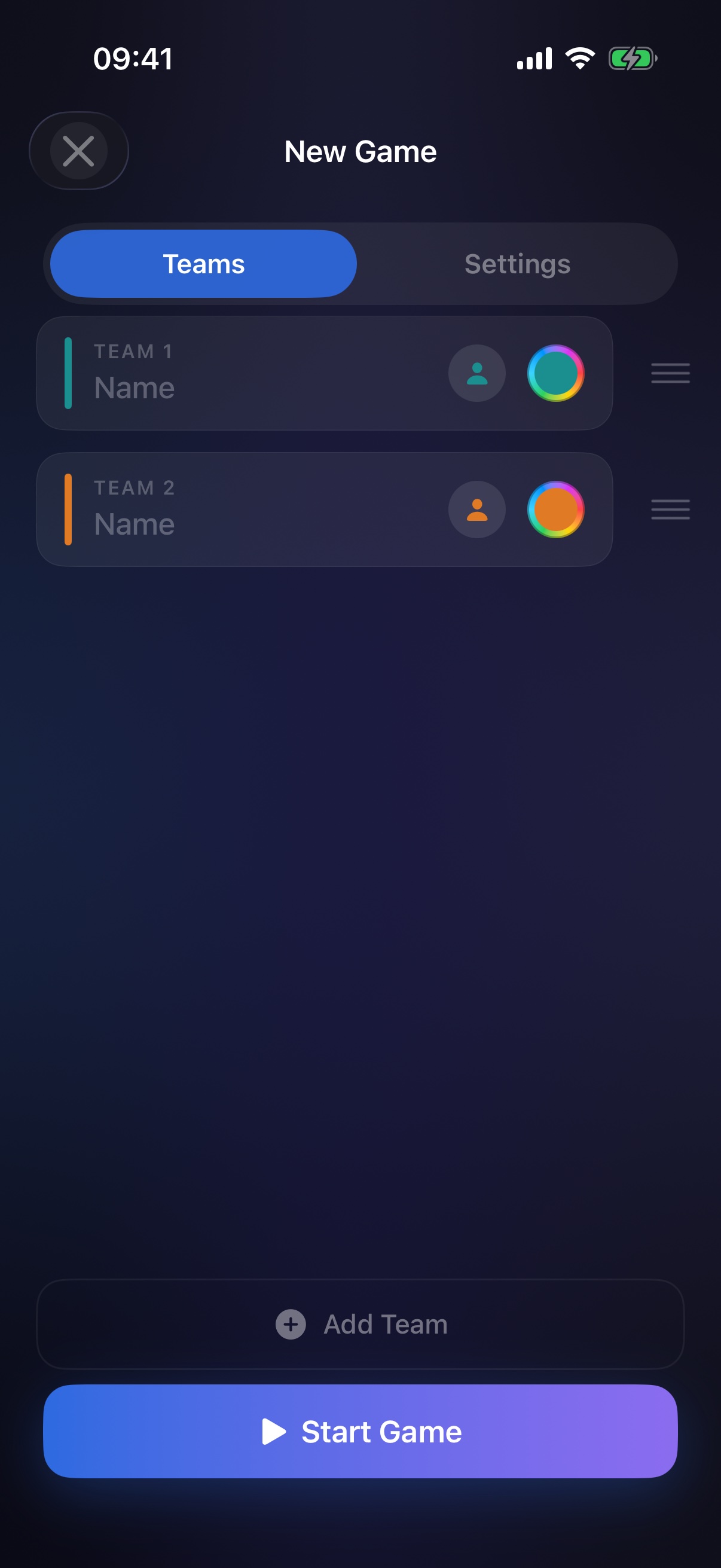
Set up
Name your teams, pick colours and icons, tune the rules — or skip it all with a template.
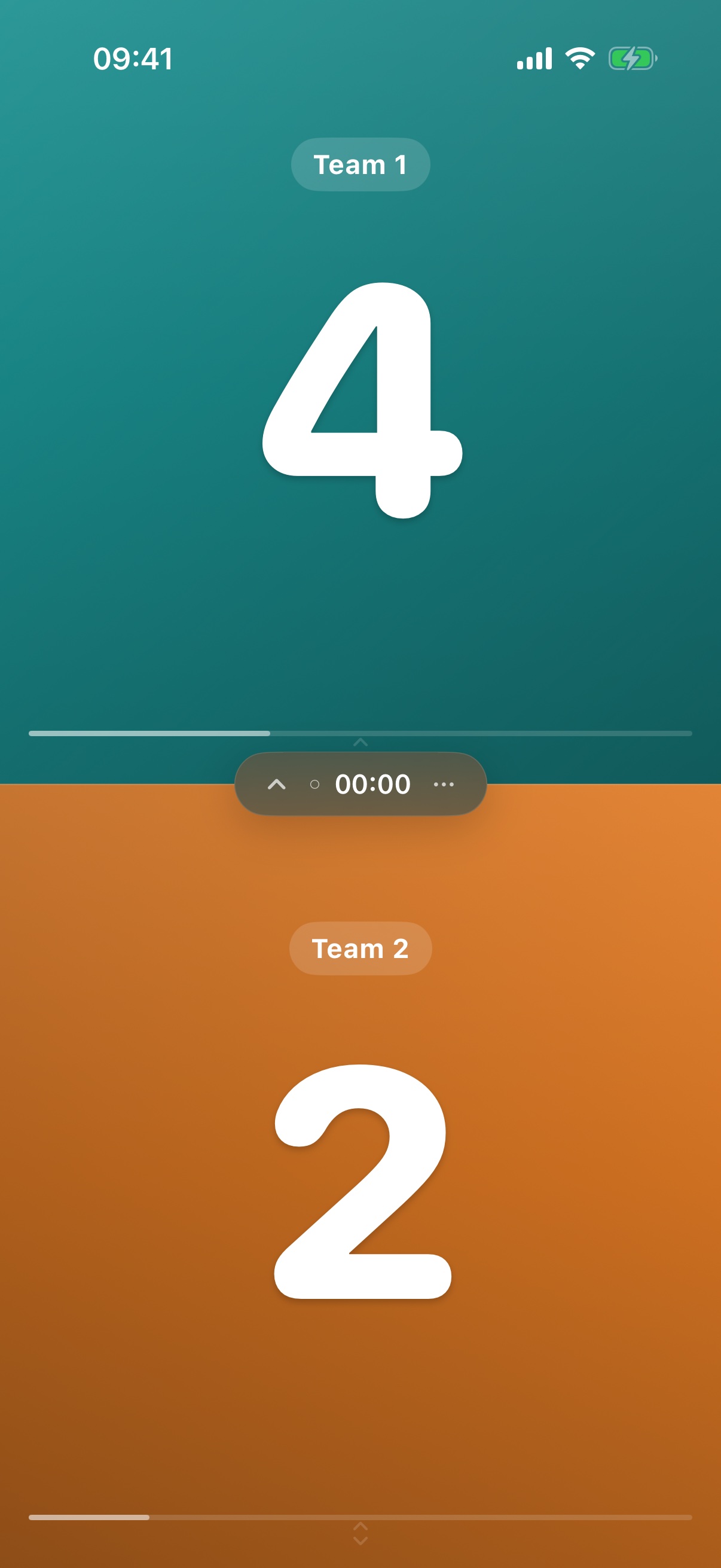
Swipe
Swipe a panel to score it. The floating island keeps the clock and controls one tap away.
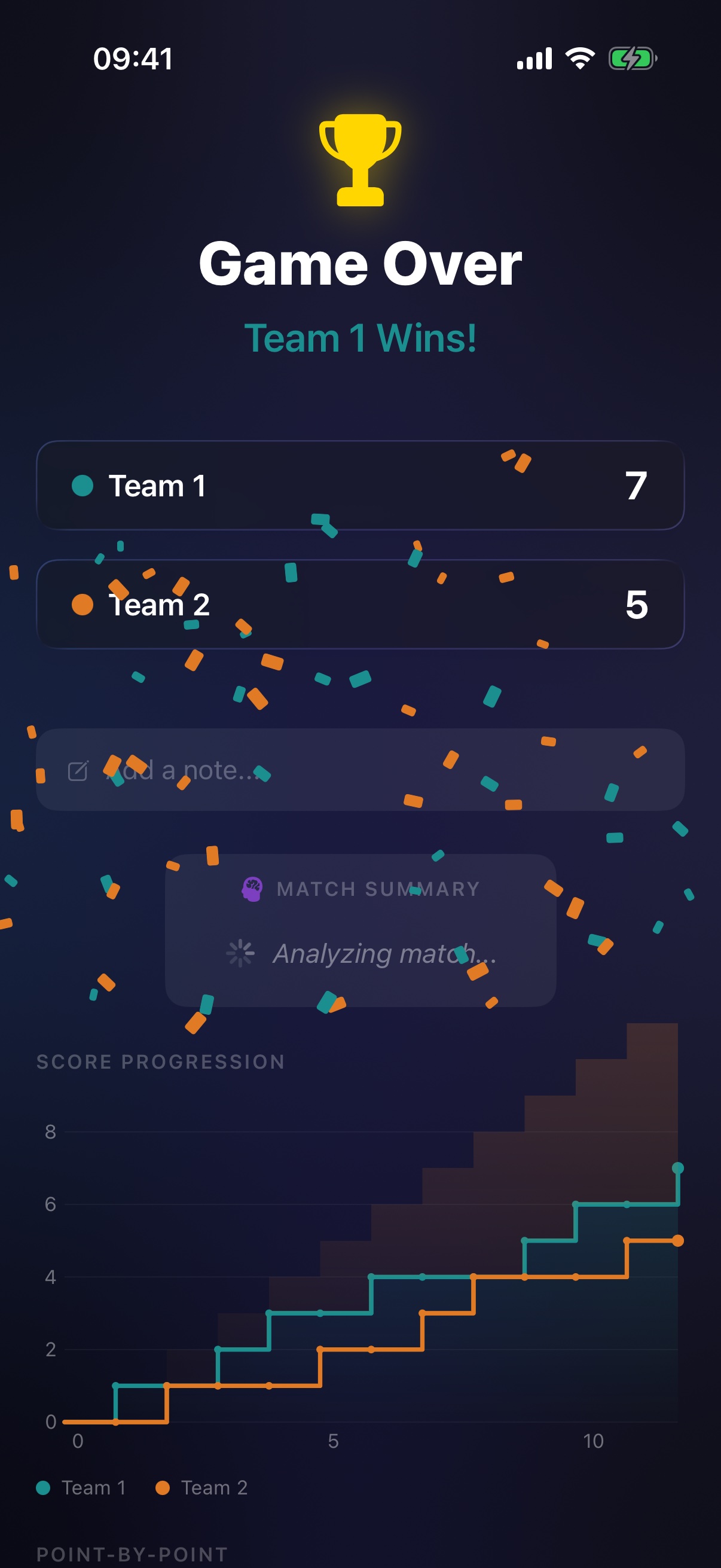
Celebrate
Complete the game: confetti in the winner's colours, a victory haptic and the full story of the match.
From duel to party
The scoreboard reshapes itself to the game: a stacked face-off in portrait, the classic arcade split in landscape, and an auto-balanced grid for up to ten teams — on iPhone and iPad.
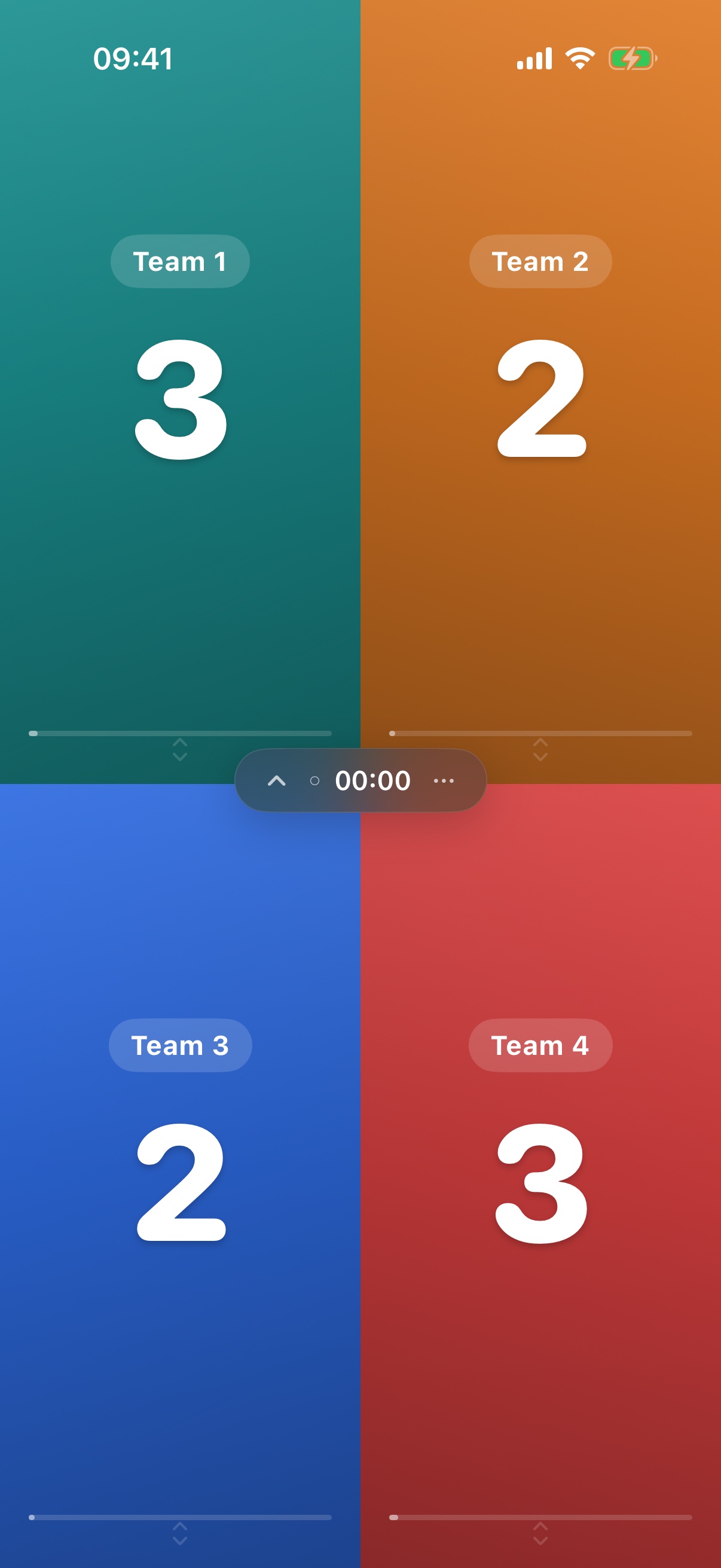
3–10 teams flow into a grid
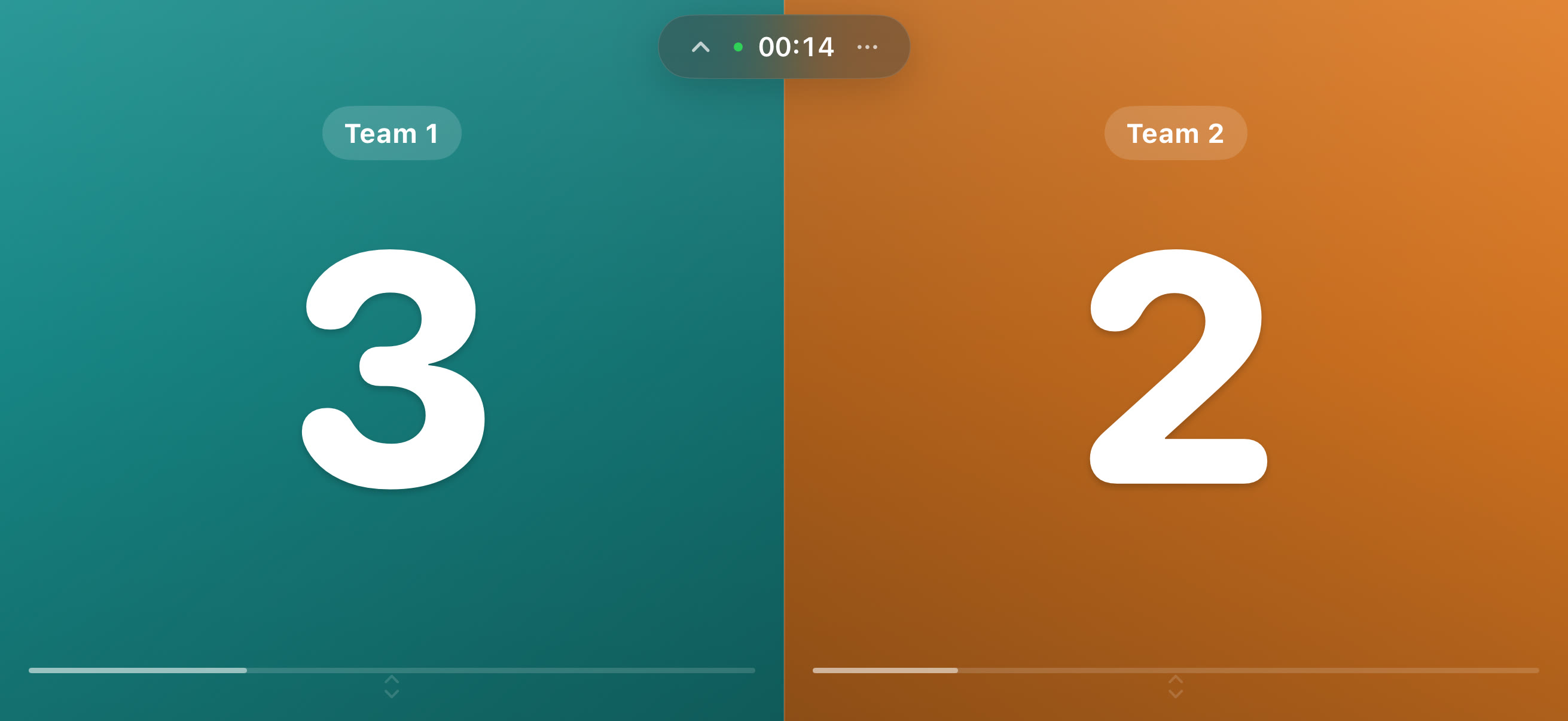
Landscape: the classic arcade split, island on the seam
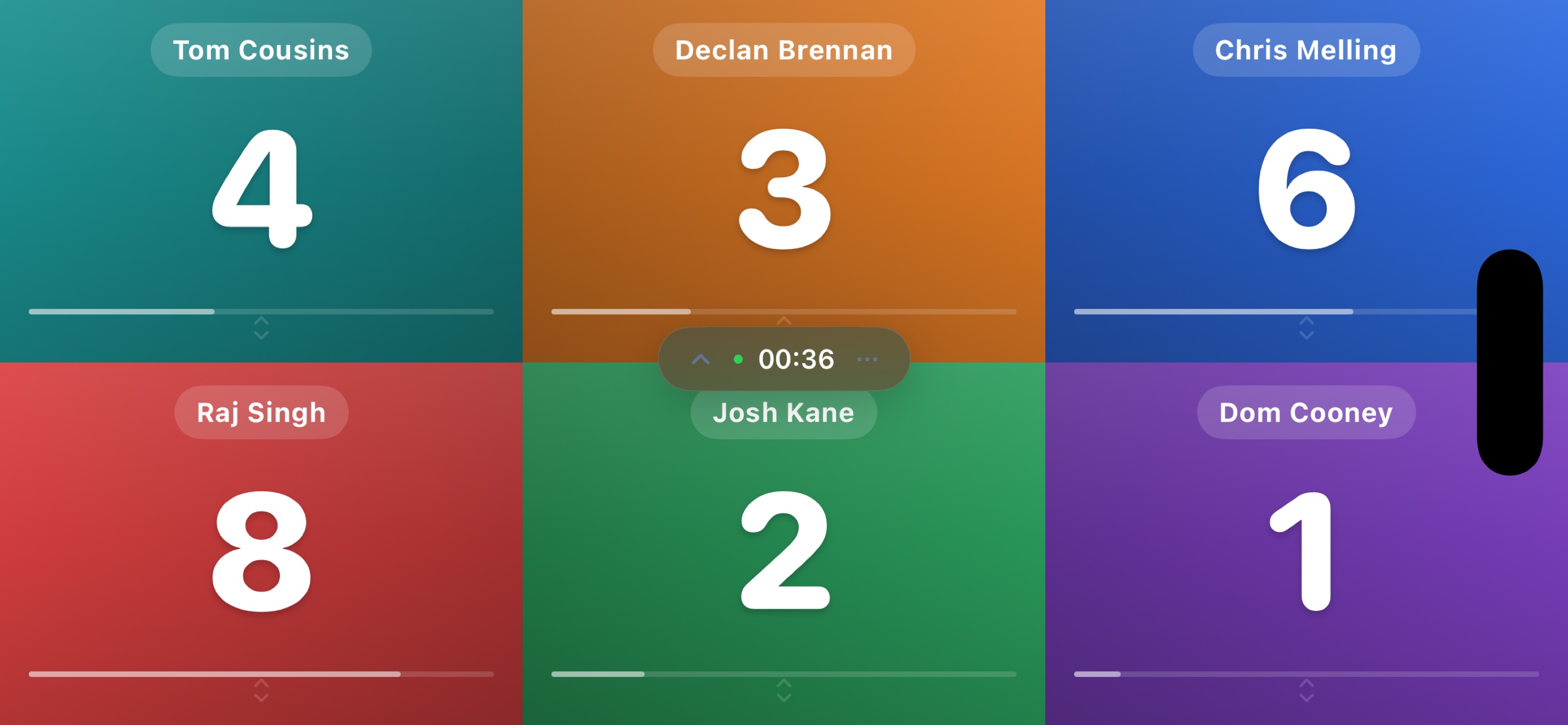
Six players, every panel still swipeable
The floating island
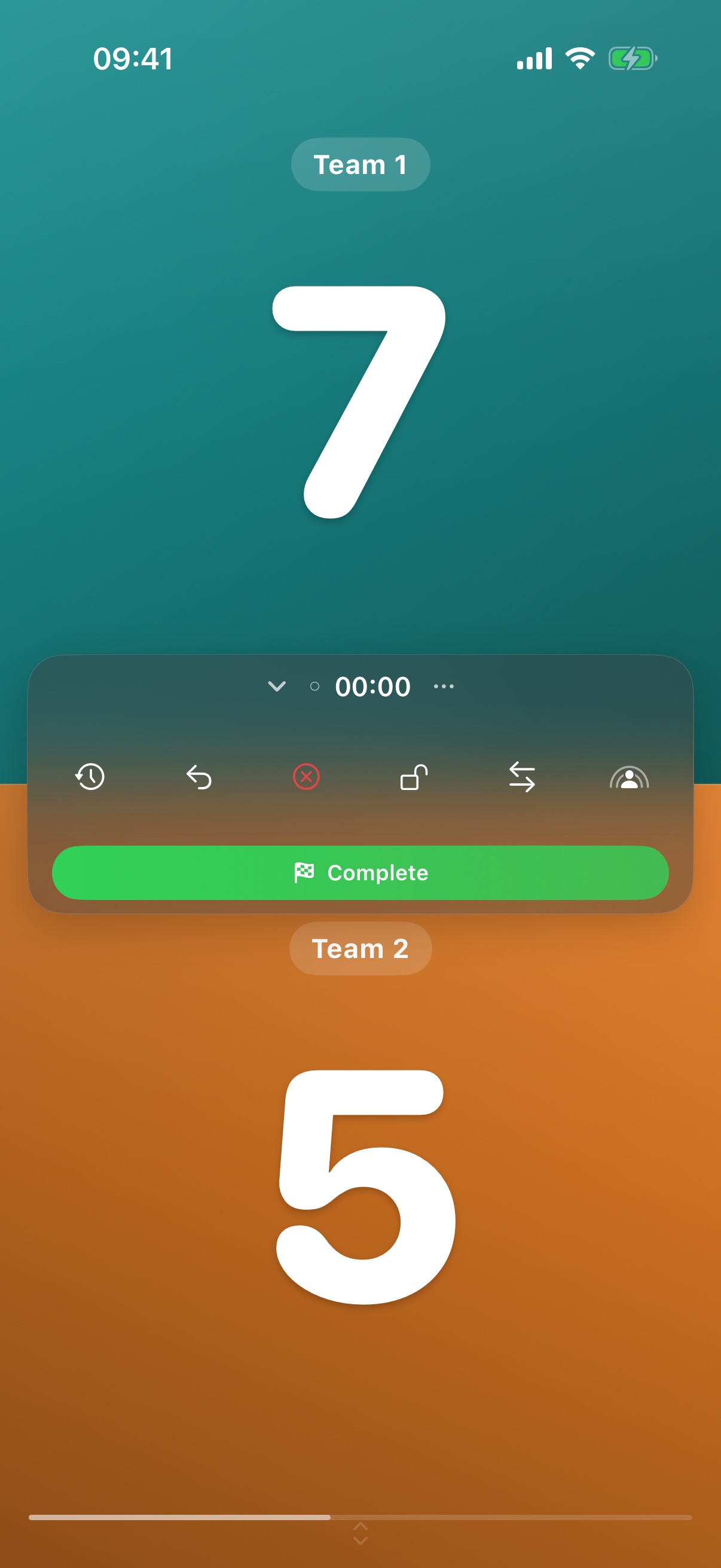
Inspired by the Dynamic Island: a glass capsule that floats on the seam between panels, keeps the game clock ticking, and expands into the entire control room — without ever stealing scoring space.
- The clock lives here — tap to pause, hold to reset. Count up, or count down from a limit; it turns red and pulses at ten seconds, then raises a Time's Up alarm.
- One row of power — reset timer, reset scores, void game, lock scoring, swap sides, and start a SharePlay session.
- The checkered flag — Complete ends the game with the current scores, after a confirmation so nobody rage-quits by accident.
A commentator
in your pocket
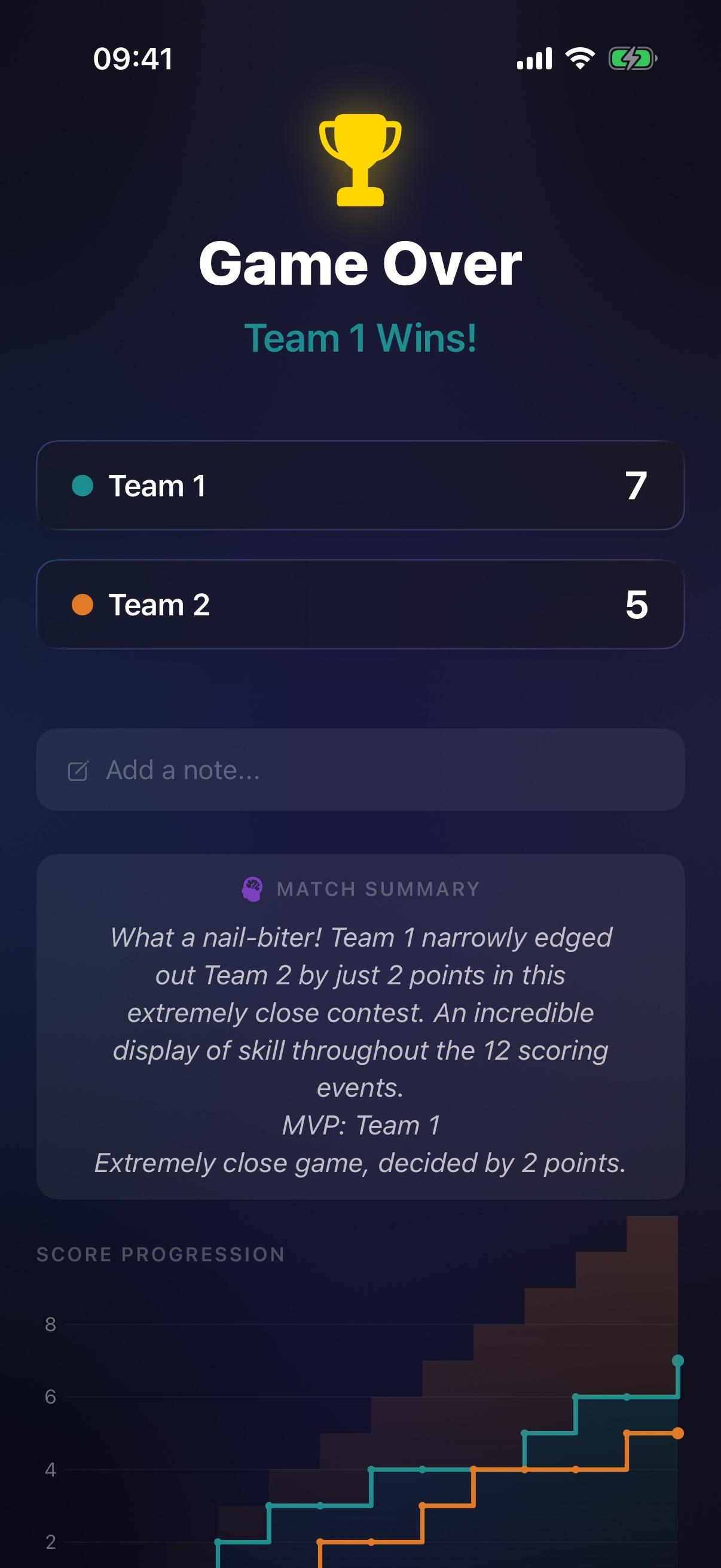
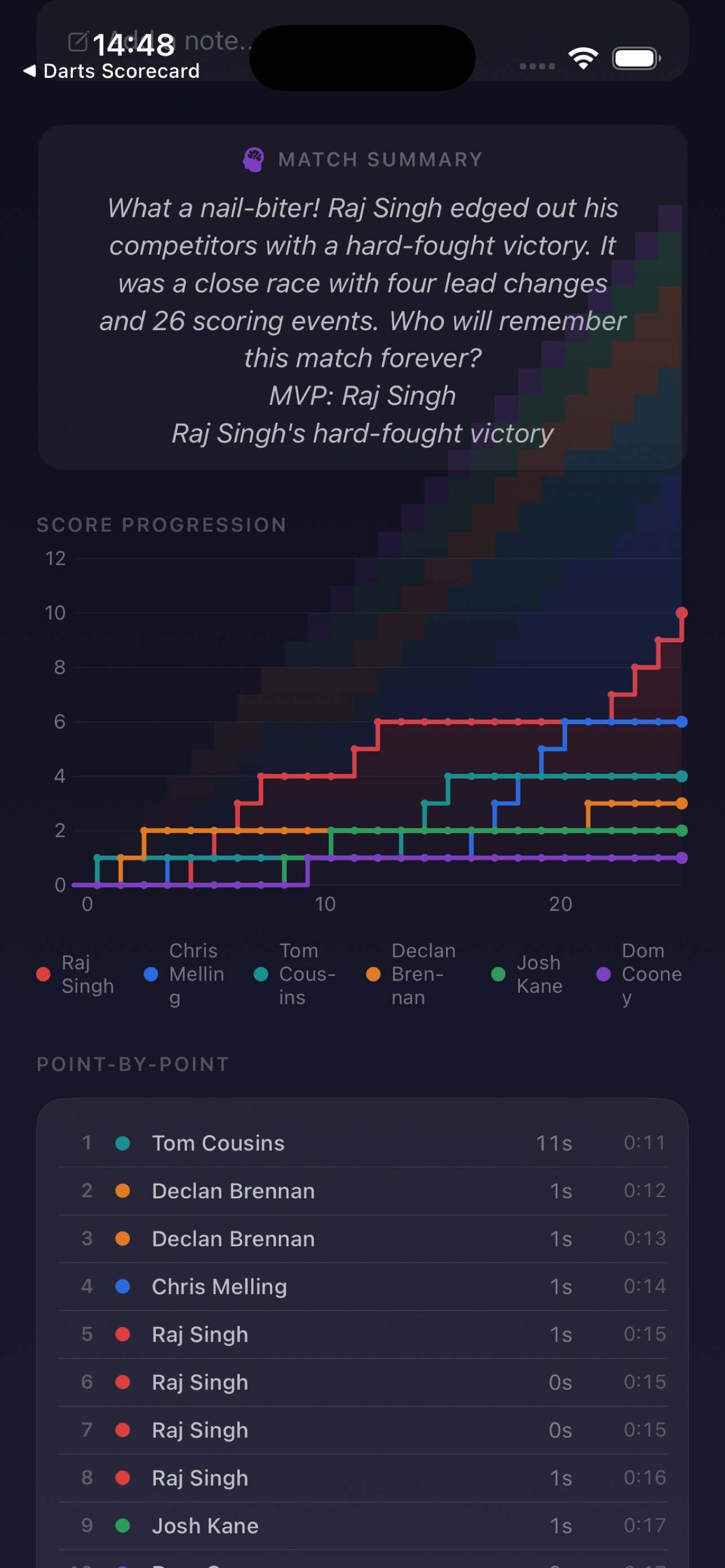
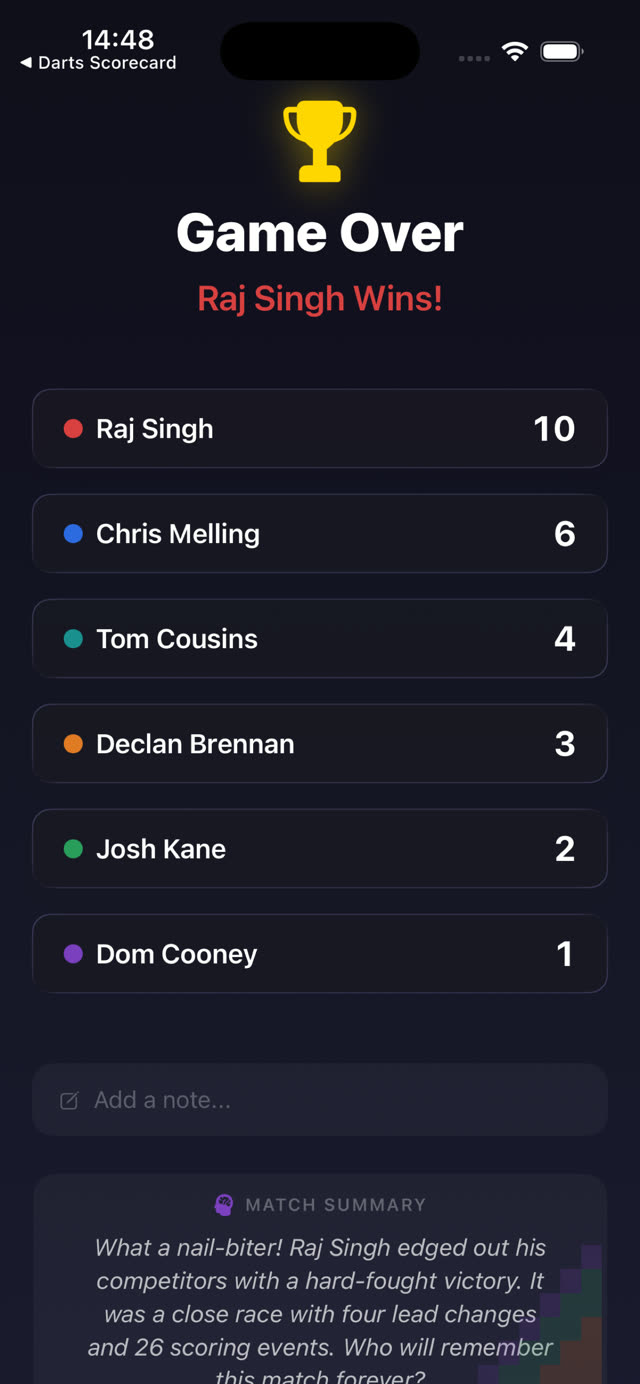
When a game ends, on-device Foundation Models read the whole match — margins, lead changes, comebacks, scoring runs — and write a few lines of colour commentary, crowning an MVP. Nothing is sent anywhere.
- "What a nail-biter!" — every summary is generated from the real point-by-point data of your game.
- Graceful fallback — devices without Apple Intelligence get a smart locally-computed summary instead.
- Add your own note — a free-text field on the result card, saved with the game.
Every point, charted
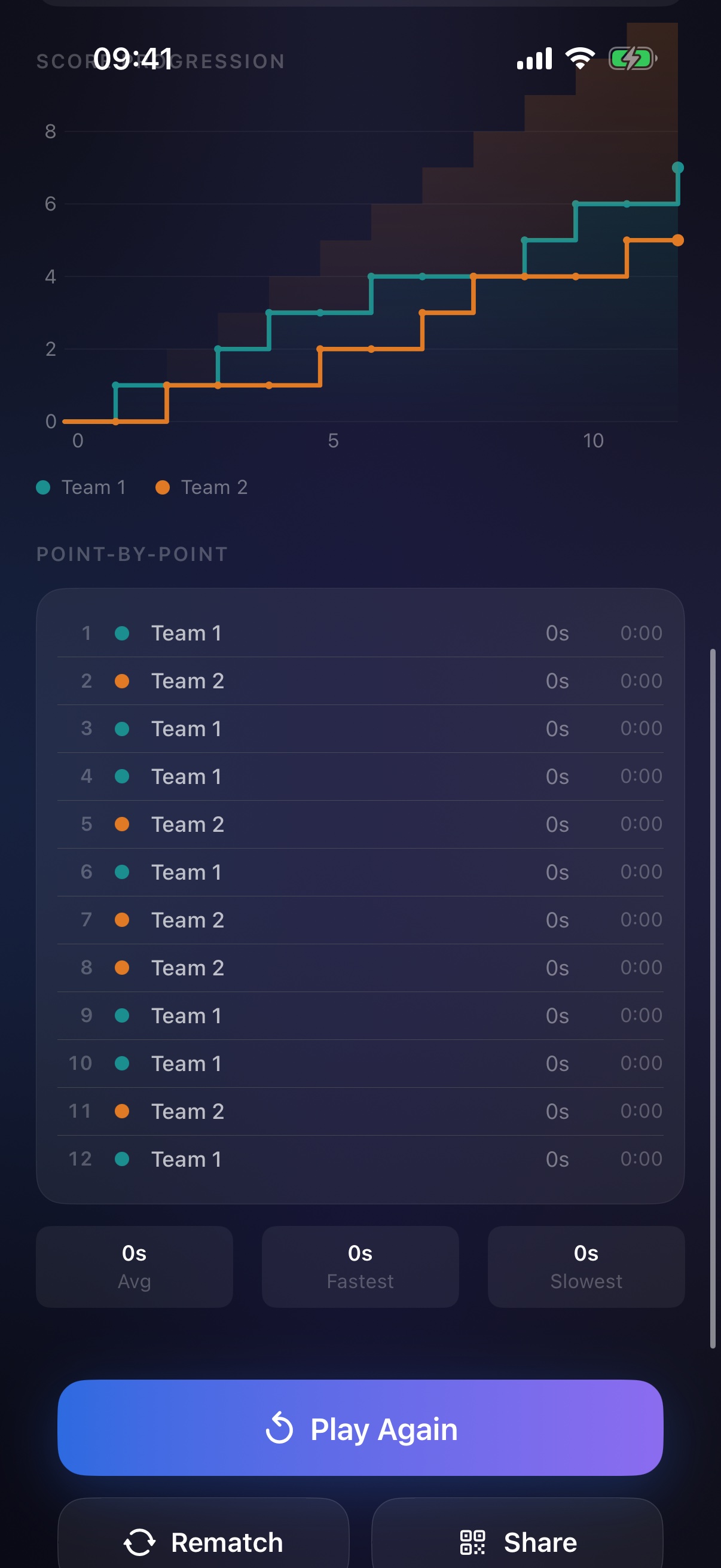
Every score change is recorded as a frame. The result card replays the match as a Swift Charts progression — each team's line in its own colour — above a point-by-point timeline with pace stats.
- Honest curves — corrections and undos remove the mistaken point instead of drawing a fake dip.
- Point-by-point — who scored, in what order, how long each point took; average, fastest and slowest.
- Full history — every game saved with SwiftData; swipe to archive, reopen or delete, rematch in one tap, export everything as CSV or JSON.
A game you can
hand across the table
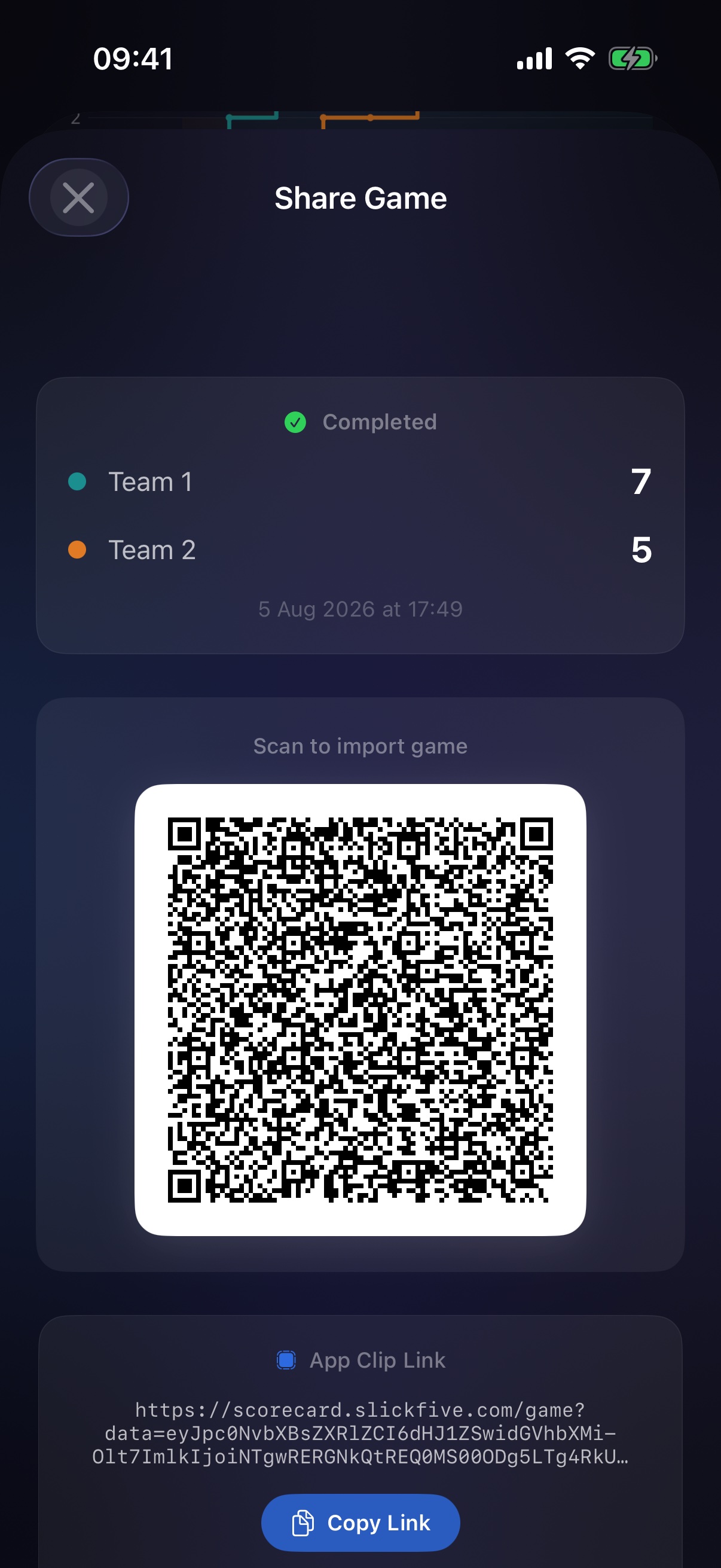
Any game — teams, colours, scores, settings — becomes a QR code. Scan it with the built-in camera scanner to import the game on another iPhone, or scan with the system camera and the App Clip opens a live scoreboard instantly — no App Store detour.
- SharePlay — score together in real time over FaceTime; every swipe syncs to everyone in the session.
- Portable data — copy the link, share the QR image, or export any game (or all of them) as CSV / JSON.
Accessible by design,
private by default
- Ten team colours, plus distinct icons and patterns so teams are never told apart by colour alone.
- VoiceOver-native scoring — panels are adjustable elements: swipe up and down with VoiceOver to score, exactly like everyone else.
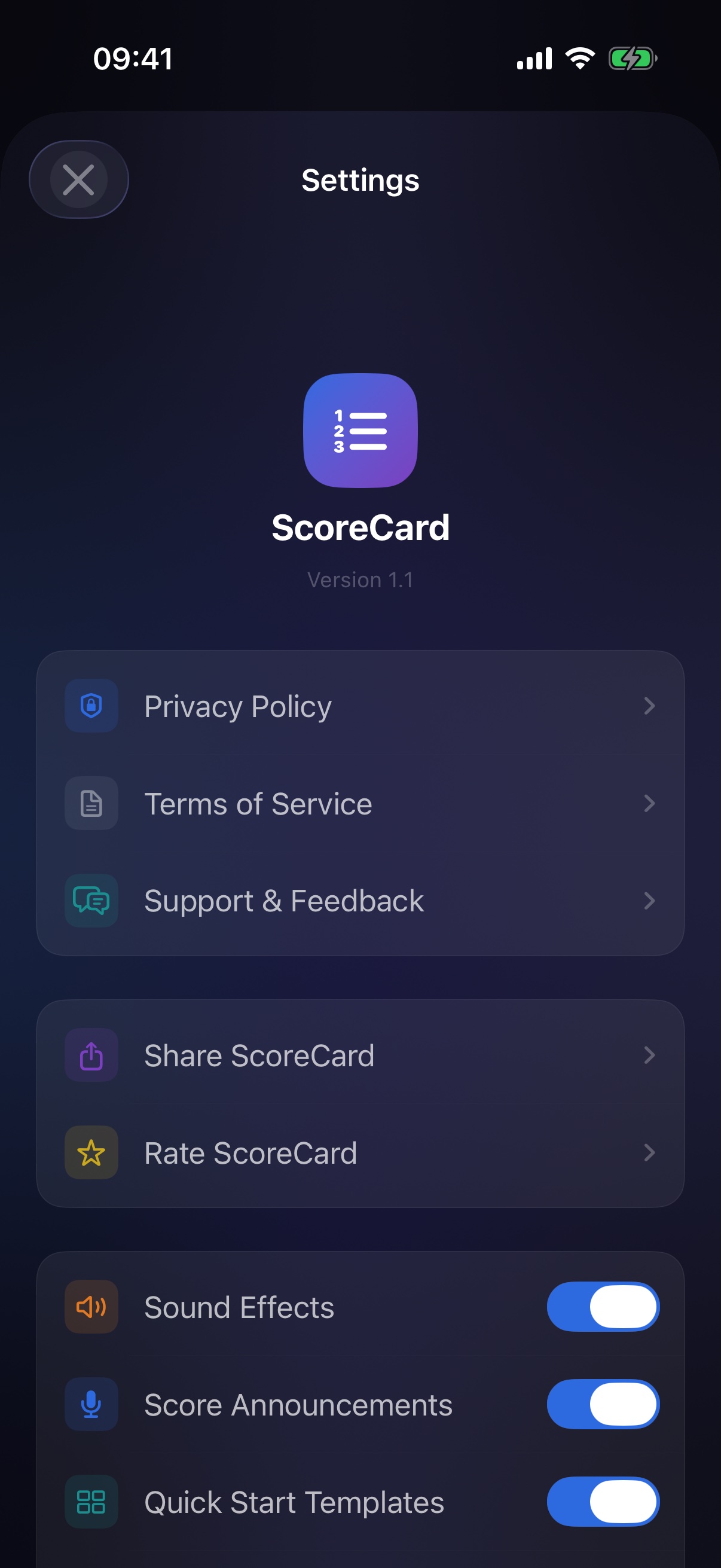
- Game-proof — the screen never sleeps mid-game; sound, haptics, announcements and theme (dark / light / system) each have their own switch.
- Nothing leaves the device — no account, no analytics, no tracking. Your games are yours, stored locally with SwiftData.
SwiftUI for iOS 26 · SwiftData · Liquid Glass
One @Observable game engine drives every layout. Swift Charts draws the story, Foundation Models writes it, and five targets — app, widgets, watch app, App Clip and SharePlay — play from the same scorebook.
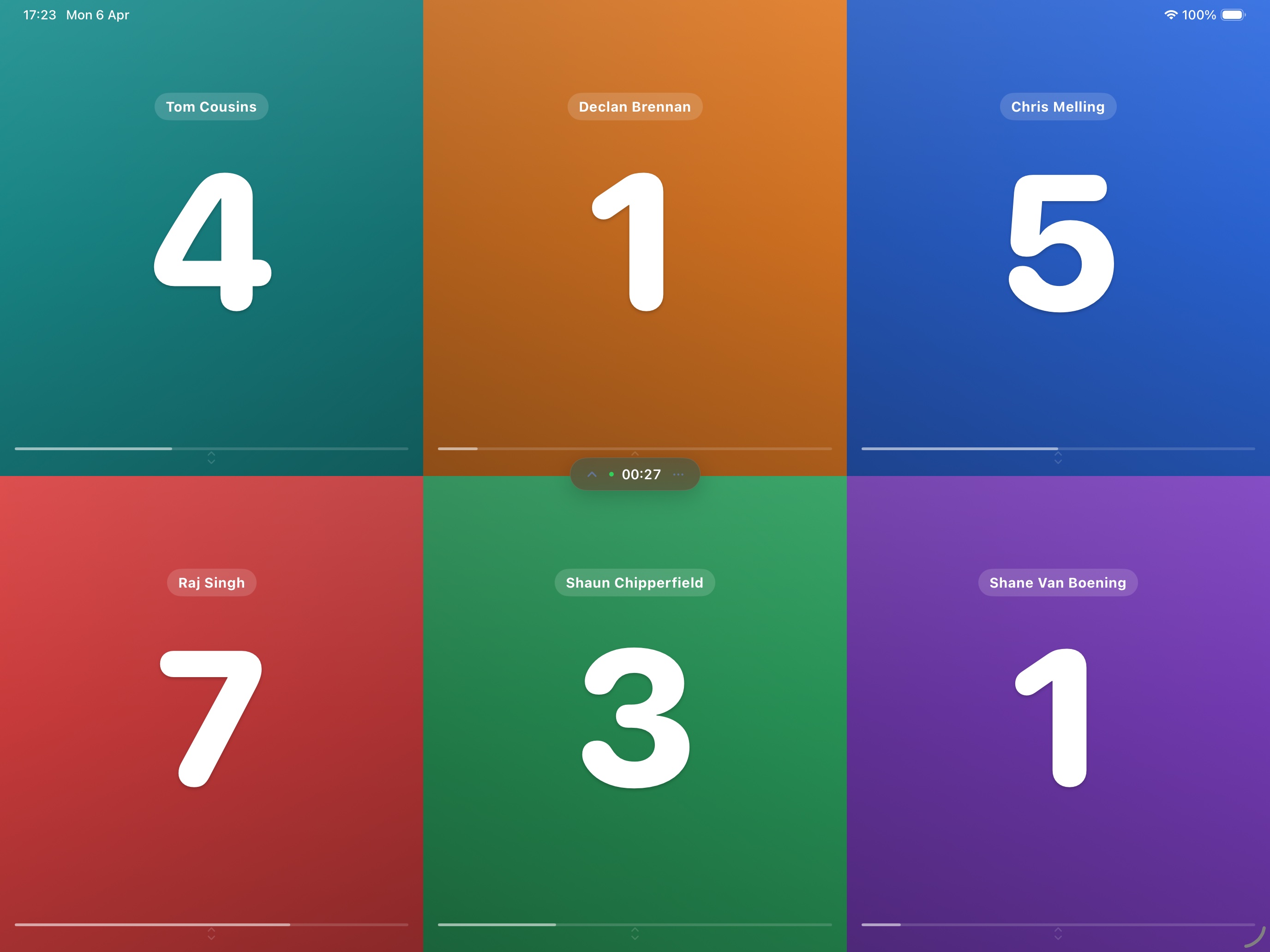
The same game, court-side on iPad